
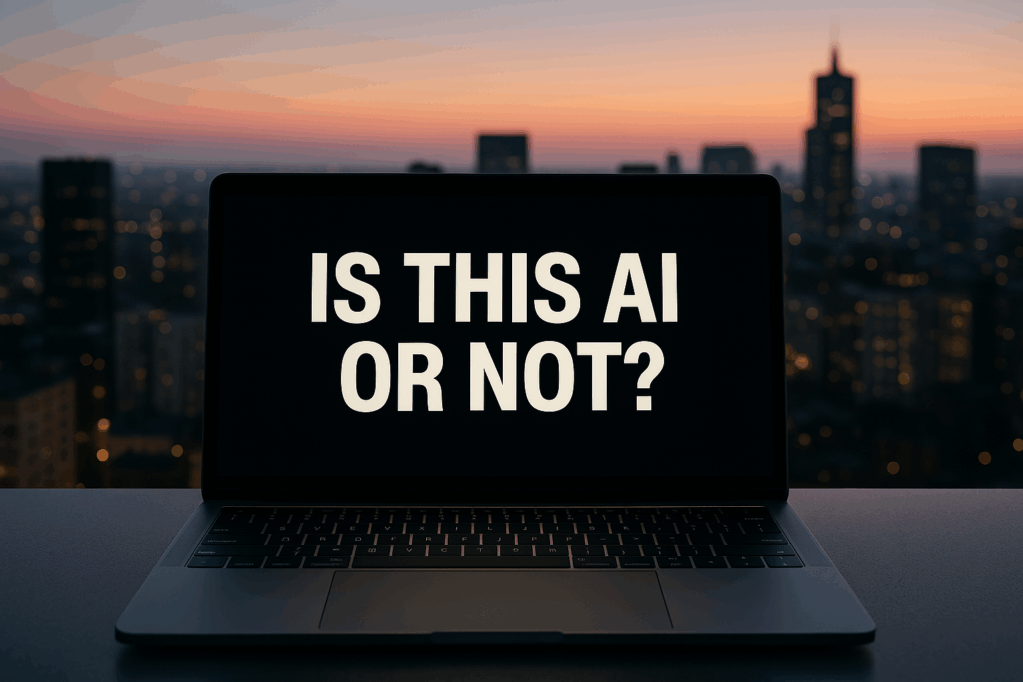
Learn how to tell if a photo or video is AI-generated with these 6 simple tips. Spot fake images, deepfakes, and AI-enhanced content using visual clues and free tools.With AI tools getting smarter and sneakier every day, spotting the difference between
what’s real and what’s algorithmically fabulous is now a legit digital life skill. Whether you’re doomscrolling your feed or fact-checking something sus, here are some easy, practical tips to help you figure out if a photo or video has been AI-generated or heavily enhanced.
1. Zoom in on the Details — Literally
What's Inside
AI still fumbles when it comes to the tiny stuff.
- Hands and fingers: AI-generated images often struggle with realistic fingers. Look for extra fingers, melting hands, or awkward poses that defy logic.
- Eyes and teeth: Check for mismatched eye direction, pupils with no reflection, or overly symmetrical irises. Same goes for teeth — weird spacing or jellybean-like rows are red flags.
- Background oddities: Bizarre architecture, warped shadows, or text that’s gibberish? Classic AI hiccups. Look closely at signs, logos, and even bookshelves in the background.
2. Ask: Is it Too Perfect?
AI tends to oversell reality — smooth skin, perfect lighting, flawless makeup, and not a single pore in sight. If the subject looks like they belong in a luxury skincare ad 24/7, it might be AI—or at least heavily AI-enhanced.
Watch out for:
- Overprocessed faces
- Unrealistic lighting that doesn’t match the scene
- Ultra-sharp eyes but blurry ears, neck, or background
3. Movement Test for Videos
AI-generated videos often struggle with motion continuity.
- Blinking issues: Either not blinking enough or blinking too often.
- Hair movement: Look for glitchy or unnatural hair swaying. AI still finds this hard.
- Mouth syncing: If the audio and lips don’t vibe well, it might be deepfake-ish or generated content.
Pro tip: Slow the video down. That’s when the weirdness gets obvious.
4. Audio Check
In AI-generated videos, the voice might sound slightly robotic, too smooth, or emotionless — like Siri trying to be your therapist. Also, watch out for:
- No breathing pauses or awkward intonations
- Lip movements not matching audio tone
- Background noise being too clean or too looped
5. Use Tools to Confirm
You don’t have to rely on your eyes alone. Try these:
- AI image detectors: Tools like Hive Moderation, Illuminarty, or AI or Not analyze visuals to spot generative patterns.
- Metadata viewers: Use sites like Jeffrey’s EXIF Viewer to dig into the photo’s origin. Many AI-generated images lack camera metadata entirely.
- Reverse image search: Try Google Lens or TinEye to see if the image exists elsewhere — AI art often lacks multiple versions or older uploads.
6. Trust Your Gut — and Cross-Check
If something feels off, it probably is. Don’t just rely on a single image or video to believe a wild claim. Find corroborating sources, check for verified accounts, and remember: Just because it looks real doesn’t mean it is.
Bonus: Common AI-Generated Keywords to Watch For
Some content is labeled (or supposed to be) with hashtags or disclaimers like:
- #AIgenerated
- #MidjourneyArt
- #MadeWithAI
- #Deepfake
- #AIGeneratedContent
Still, not everyone is honest about it, so awareness is key.
Final Thoughts
We’re living in a world where misinformation can come dressed in high-res, filter-perfect pixels. There is laptop these days that has AI integrated with them now too. But with a sharp eye and a little skepticism, you can scroll smarter and spot the synthetic from the authentic.
Next time you see a photo that looks too flawless or a video that just feels…off? Run it through these checks. Don’t get catfished by a cluster of code.
Want to test your AI-spotting skills?
Let’s start with these images. Tell me which is AI-enhanced. Comment below.


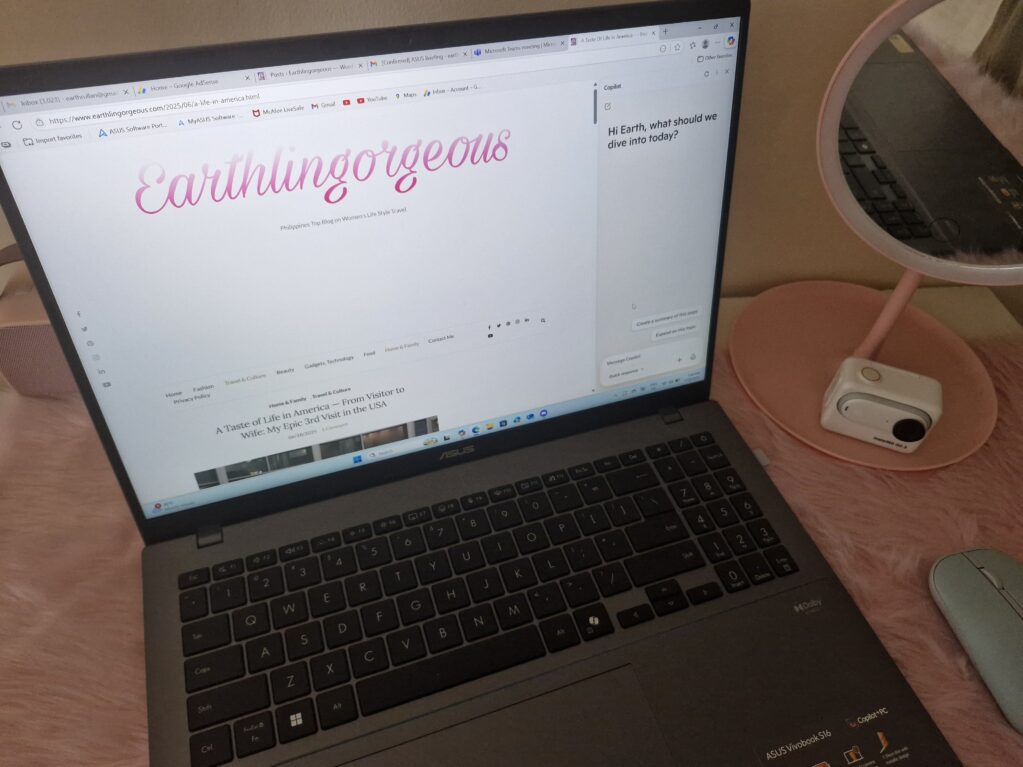

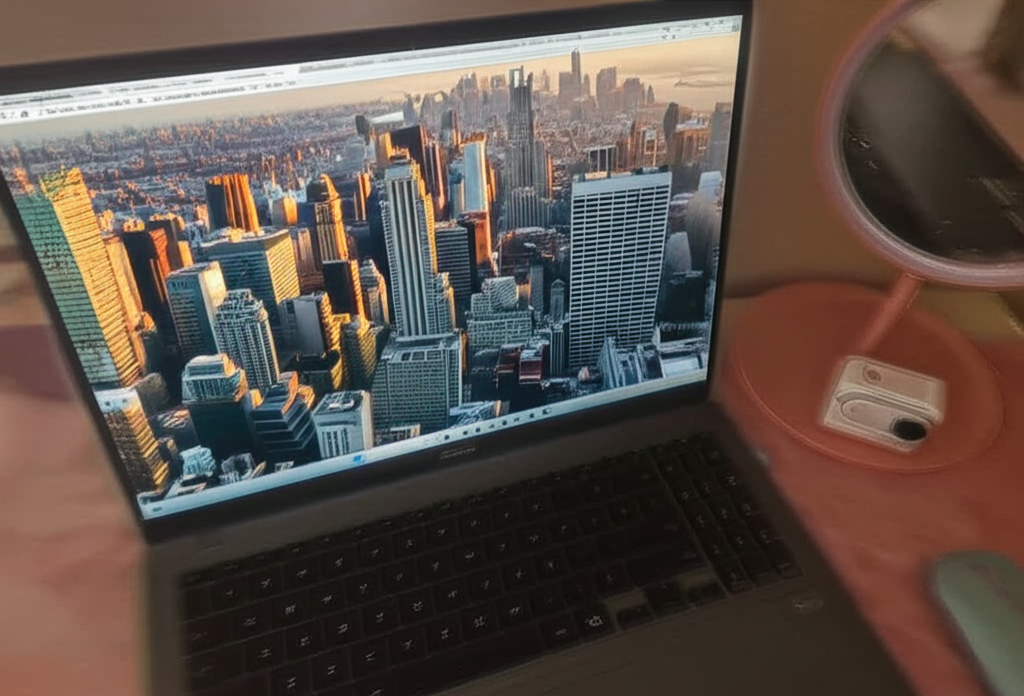
Try guessing which images in your feed are real vs. AI-edited. It’s like a game — and you’ll get better the more you play.

